CLI Usage
SLURP uses some global data, such as Global Surface Water (Pekel) for water detection or World Settlement Footprint (WSF) for building detection.
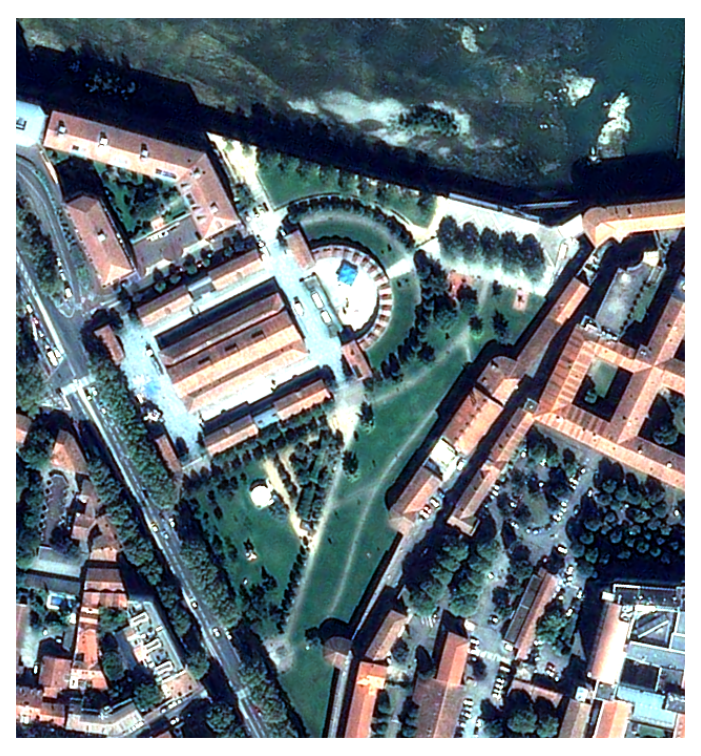
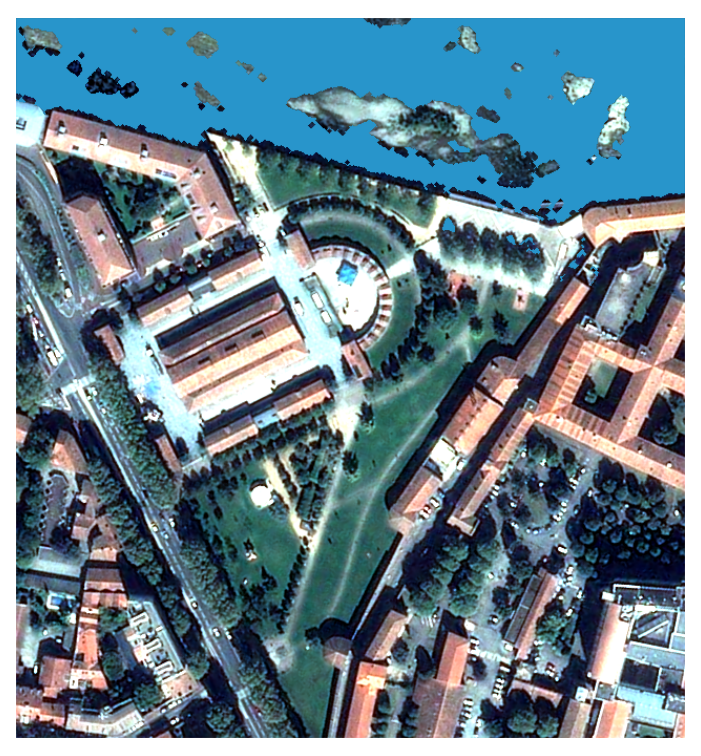
Data preparation can be achieved with Orfeo ToolBox or other tools (for more information, please refer to SLURP’s tutorial page), in order to bring all necessary data in the same projection. You can either build your mask step by step, or use a batch script to launch and build the final mask automatically.
 |
 |
 |
 |
 |
 |
| Bring your own VHR 4 bands (R/G/B/NIR) image |
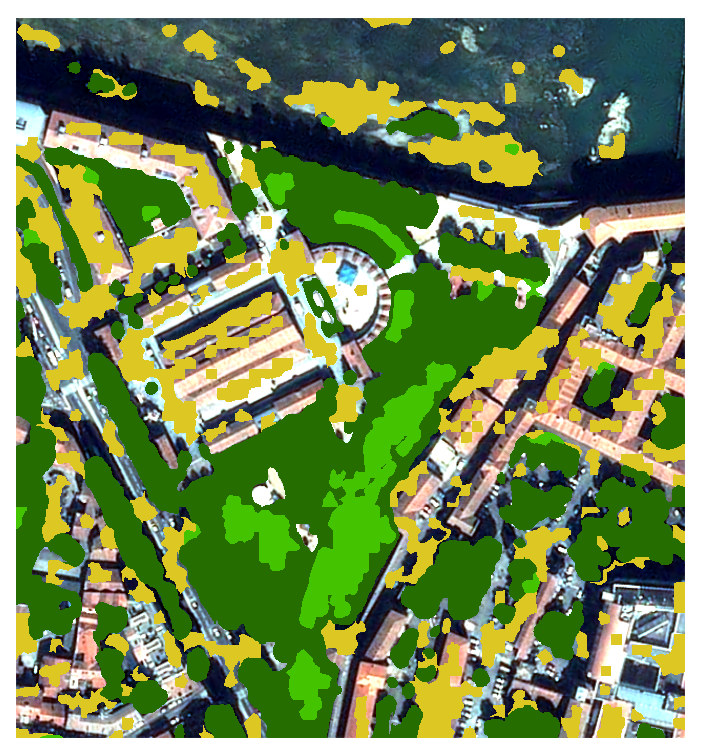
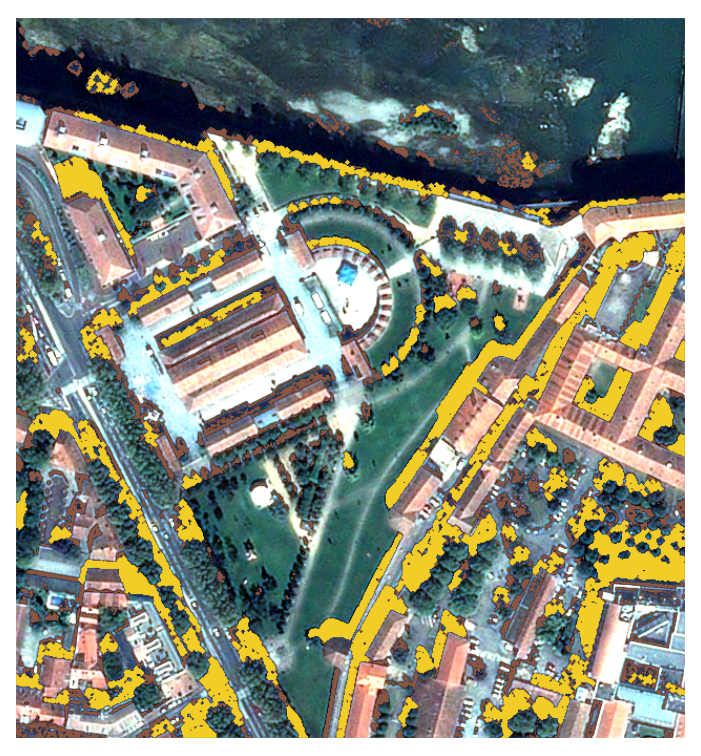
Learn 'Pekel' water occurrence | Detect low/high vegetation | Detect shadows (avoid water confusion) | Compute urban probability | Regularize contours |
Once your environment has been set up, you can run SLURP. A tutorial is available.
Log Display Options
By default, logs are displayed in the console.
When the CLI argument --logs_to_file is specified,
logs will instead be saved to the file logs/out_logs.log located in your current working directory.
Data preparation
Each mask needs some auxiliary files. They must be on the same projection, resolution and bounding box of the VHR input image to enable mask computation. You can generate this data yourself or use the prepare script available in SLURP.
Warning
Depending on which computation you want to perform, you may need to install OTB on your system.
Please refer to the provided tutorial to know if additional steps are required.
The prepare script enables :
Computation of stack validity (with or without a cloud mask)
Computation of NDVI and NDWI
Extraction of largest Pekel file
Extraction of largest HAND file
Extraction of WSF file
Computation of texture file with a convolution
To run the script
Configure the JSON file. A template is available here with default values.
Update input, aux_layers, resources and prepare blocs inside the JSON file.
Run the command :
slurp_prepare <JSON file>
You can override the JSON with CLI arguments. For example :
slurp_prepare <JSON file> -file_vhr <VHR input image> -file_ndvi <path to store NDVI>
Type slurp_prepare -h for complete list options :
overwriting of output files (-w)
bands identification (-red <1/3>, etc.),
files to extract and reproject (-pekel, -hand, -wsf, etc.),
output paths (-extracted_pekel, etc.),
etc.
Features
Water mask
Water model is learned from Pekel (Global Surface Water) reference data and is based on NDVI/NDWI2 indices. Then the predicted mask is cleaned with Pekel, possibly with HAND (Height Above Nearest Drainage) maps and post-processed to clean artefacts.
To compute the mask
Configure the JSON file : A template is available here with default values.
Update input, aux_layers and masks blocs inside the JSON file. To go further you can modify resources, post_process and water blocs.
Run the command :
slurp_watermask <JSON file>
You can override the JSON with CLI arguments. For example :
slurp_watermask <JSON file> -file_vhr <VHR input image> -watermask <your watermask.tif>
Type slurp_watermask -h for complete list of options :
samples method (-samples_method, -nb_samples_water, etc.),
add other raster features (-layers layer1 [layer 2 ..]),
post-process mask (-remove_small_holes, -binary_closing, etc.),
saving of intermediate files (-save),
etc.
Vegetation mask
Vegetation mask are computed with an unsupervised clustering algorithm. First some primitives are computed from VHR image (NDVI, NDWI2, textures). Then a segmentation is processed (SLIC) and segments are dispatched in several clusters depending on their features. A final labellisation affects a class to each segment (ie : high NDVI and low texture denotes for low vegetation).
To compute the mask
Configure the JSON file : A template is available here with default values.
Update input, aux_layers and masks blocs inside the JSON file. To go further you can modify resources and vegetation blocs.
Run the command :
slurp_vegetationmask <JSON file>
You can override the JSON with CLI arguments. For example :
slurp_vegetationmask <JSON file> -file_vhr <VHR input image> -vegetationmask <your vegetation mask.tif>
Type slurp_vegetationmask -h for complete list of options :
segmentation mode and parameter for SLIC algorithms
number of workers (parallel processing for primitives and segmentation tasks)
number of clusters affected to vegetation (3 by default - 33%)
etc.
Urban (building) mask
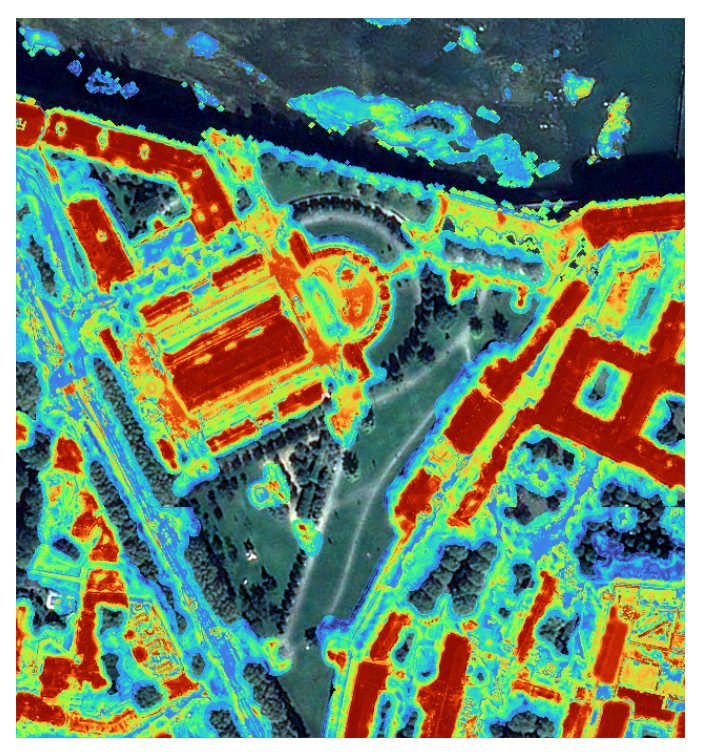
An urban model (building) is learned from WSF reference map. The algorithm can take into account water and vegetation masks in order to improve samples selection (non building pixels will be chosen outside WSF and outside water/vegetation masks). The output is a “building probability” layer ([0..100]) that can be used by the stack algorithm.
To compute the mask
Configure the JSON file : A template is available here with default values.
Update input, aux_layers and masks blocs inside the JSON file. To go further you can modify resources and urban blocs.
Run the command :
slurp_urbanmask <JSON file>
You can override the JSON with CLI arguments. For example :
slurp_urbanmask <JSON file> -file_vhr <VHR input image> -urbanmask <your urban mask.tif>
Type slurp_urbanmask -h for complete list of options :
samples parameters),
add other raster features (-layers layer1 [layer 2 ..])
elimination of pixels identified as water or vegetation (-watermask <your watermask.tif>, -vegetationmask <your vegetationmask.tif>),
etc.
Shadow mask
Shadow mask detects dark areas (supposed shadows), based on two thresholds (RGB, NIR). A post-processing step removes small shadows, holes, etc. The resulting mask is a three-classes mask (no shadow, small shadow, big shadows). The big shadows can be used in the stack algorithm in the regularization step.
To compute the mask
Configure the JSON file : A template is available here with default values.
Update input, aux_layers and masks blocs inside the JSON file. To go further you can modify resources, post_process and shadow blocs.
Run the command :
slurp_shadowmask <JSON file>
You can override the JSON with CLI arguments. For example :
slurp_shadowmask <JSON file> -file_vhr <VHR input image> -shadowmask <your shadow mask.tif>
Type slurp_shadowmask -h for complete list of options :
relative thresholds (-th_rgb, -th_nir, etc.),
post-process mask (-remove_small_objects, -binary_opening, etc.),
etc.
Stack and regularize buildings
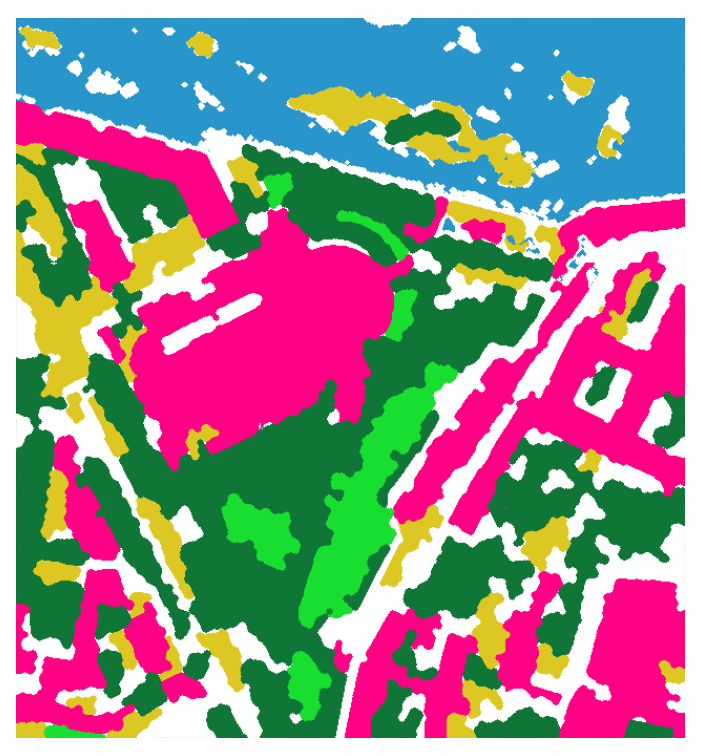
The stack algorithm take into account all previous masks to produce a 6 classes mask (water, low vegetation, high vegetation, building, bare soil, other) and an auxilliary height layer (low / high / unknown). The algorithm can regularize urban mask with a watershed algorithm based on building probability and context of surrounding areas. This algorithm first computes a gradient on the image and fills a marker layer with known classes. Then a watershed step helps to adjust contours along gradient image, thus regularizing buildings shapes.
To compute the mask
Configure the JSON file : A template is available here with default values.
Update input, aux_layers and masks element inside the JSON file. To go further you can modify resources, post_process and stack blocs.
Run the command :
slurp_stackmasks <JSON file>
You can override the JSON with CLI arguments. For example :
slurp_stackmasks <JSON file> -file_vhr <VHR input image> -remove_small_objects 500 -binary_closing 3
Type slurp_stackmasks -h for complete list of options :
watershed parameters,
post-process parameters (-remove_small_objects, -binary_opening, etc.),
classif value of each element of the final mask
etc.
Tests
The project comes with a suite of unit and functional tests. All the tests are available in tests/ directory.
To run them, launch the command pytest in the root of the slurp
project. To run tests on a specific mask, execute
pytest tests/<file_name>".
By default, the tests generate the masks and then validate them by
comparing them with a reference. You can choose to only compute the
masks with pytest -m computation or validate them with
pytest -m validation. To validate data preparation, you can use
pytest -m prepare or pytest -m all for the complete test : these
two last modes require OTB installation.
You can change the default configuration for the tests by modifying the test configuration JSON file.
Documentation
Go in docs/ directory
Contribution
See Contribution manual
References
This package was created with PLUTO-cookiecutter project template.
Inspired by main cookiecutter template and CARS cookiecutter template